Not an assistant you have to learn. An assistant that learns from you — and rewrites its own software to match how you live.
Design concept · Production enclosure in development
One unit handles the whole house — no hub soup, no six apps, no subscriptions. Here's what it runs, out of the box.
Lights, climate, energy, security cameras — control every device by talking to it, or by typing in the chat. It sees what's happening and acts on it.
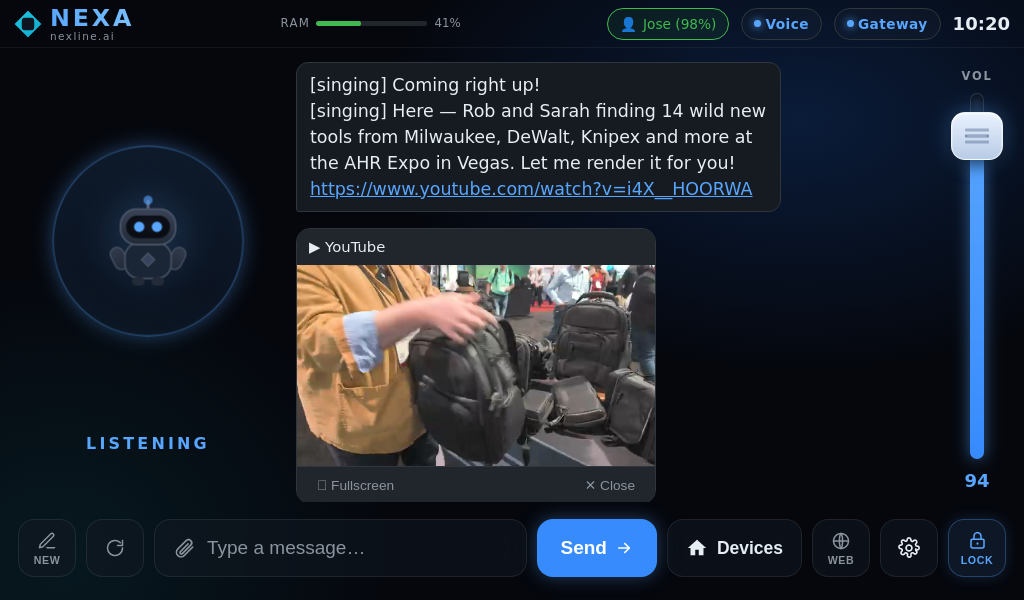
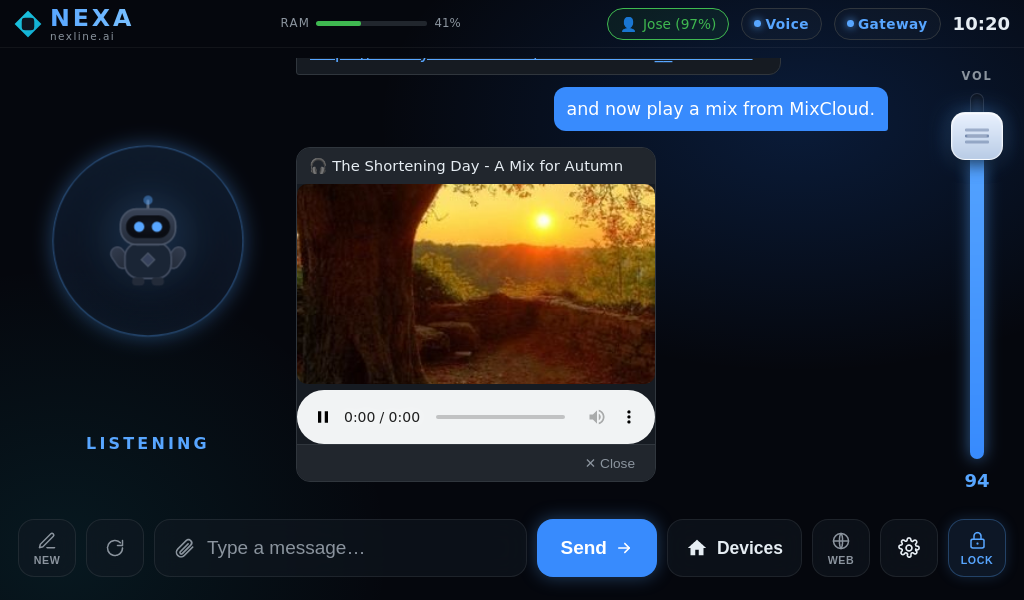
YouTube, Mixcloud, SoundCloud — music and video play inline in the conversation. Built-in speaker, Bluetooth, and USB audio out.
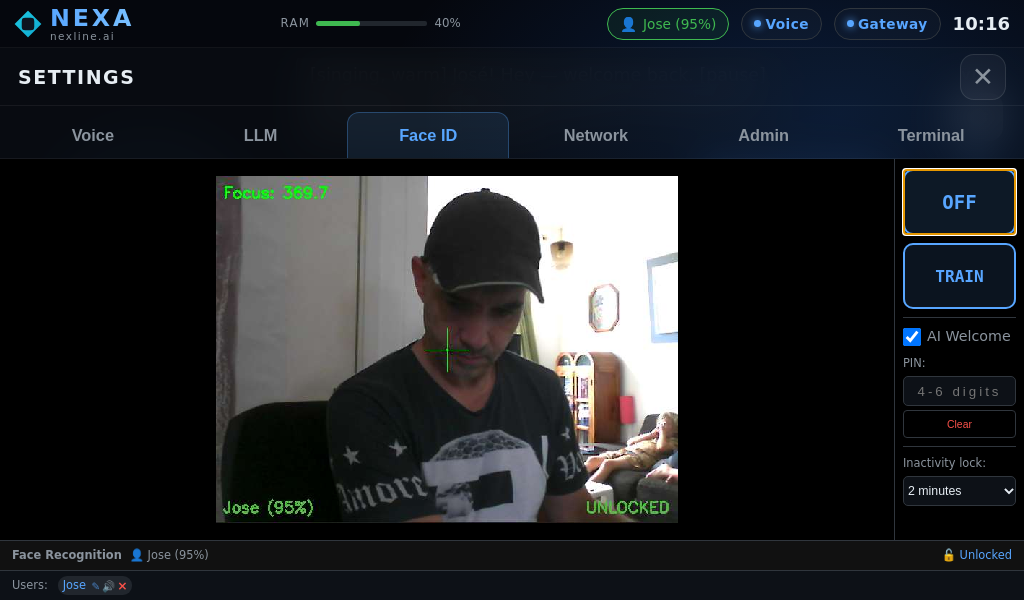
Face recognition greets each person by name. Train it once per face — every family member gets their own welcome and their own context.
Everything on the kiosk mirrors to your phone in real time. Control your home from anywhere, and get a notification the moment something happens.
It reads the web internally to fetch answers — and can open a full browser window on screen to show you anything you ask for.
Local mode supports on-device conversations and connected-home functions on your network. Web browsing, remote access, cloud AI and online media still need an internet connection.
Every other assistant ships with a fixed feature set and waits for the manufacturer to push a change. NexA ships with a brain that can modify its own software — you tell it what you want, in plain language, and it changes. The product gets better the longer you own it.
"When I ask for the energy report, show me this week versus last week — not just today."
NexA rewrites its own dashboard
Done. The energy tab now shows a comparison chart. No developer, no update, no line of code touched.
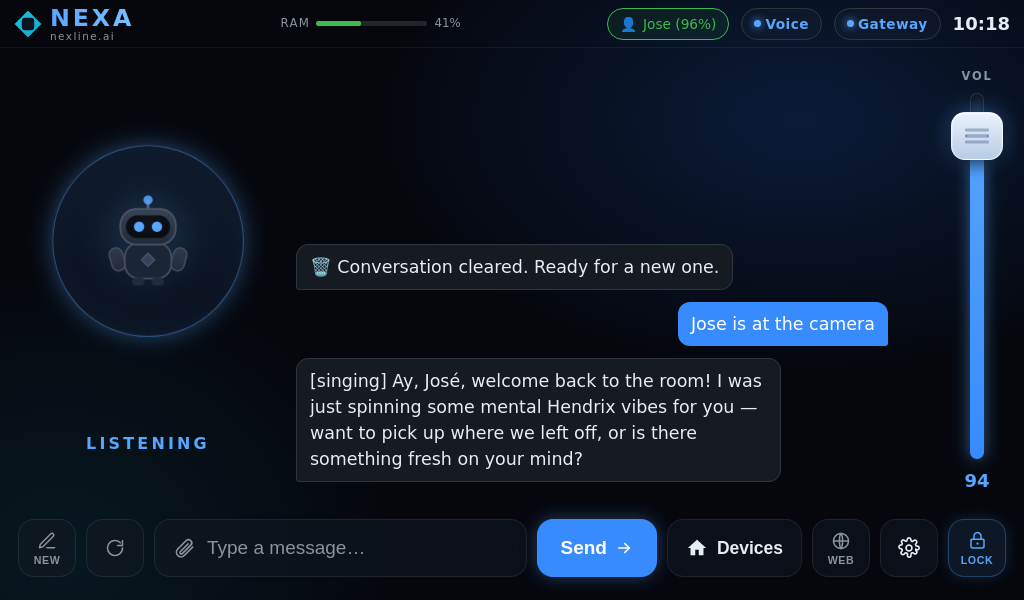
The screen the prototype runs today — voice, chat, devices, cameras, energy and admin, all in one place.

The main conversation screen brings spoken replies, typed messages and listening status together.

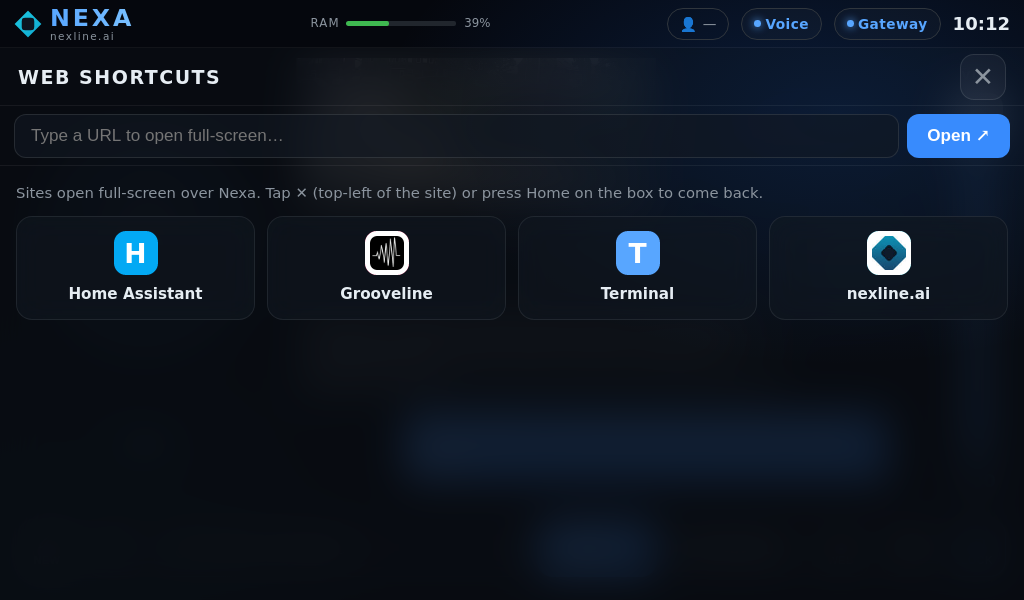
Open saved destinations or enter a web address without leaving the device workflow.

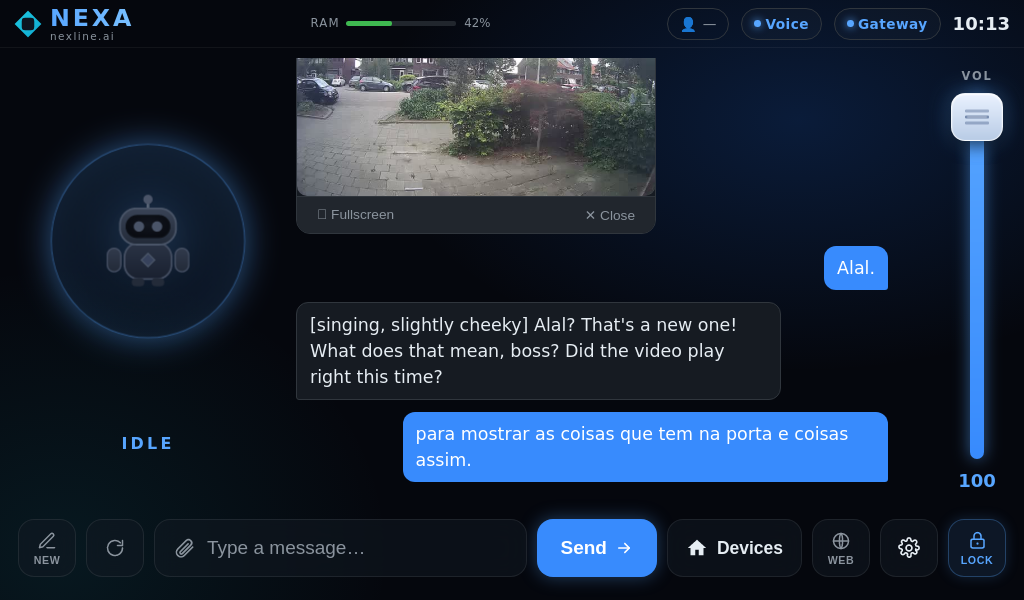
A camera preview appears alongside the chat, so you can look at the scene while discussing it.

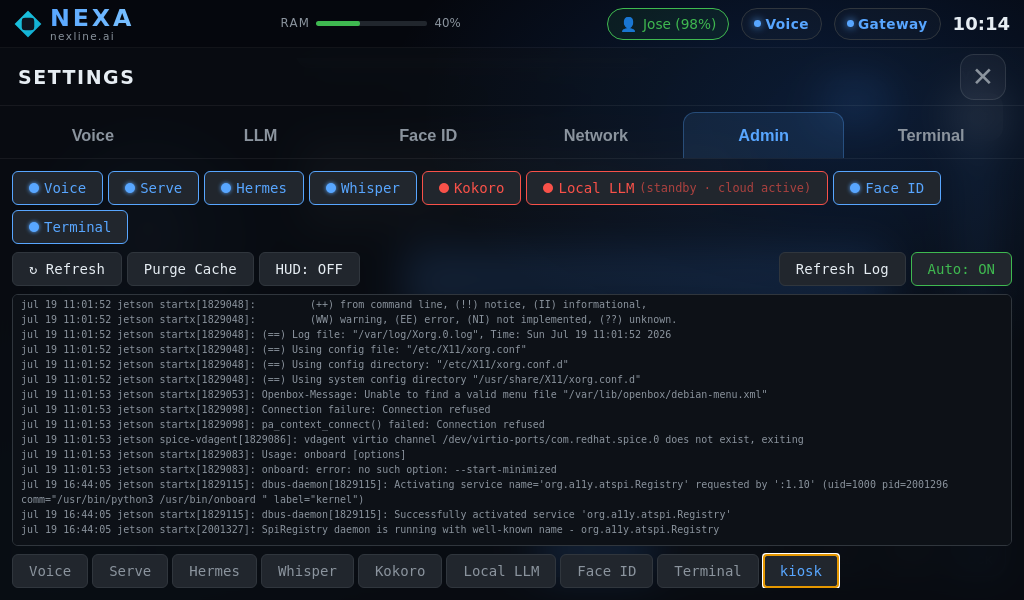
The admin view brings service status and diagnostic logs into one screen for troubleshooting.

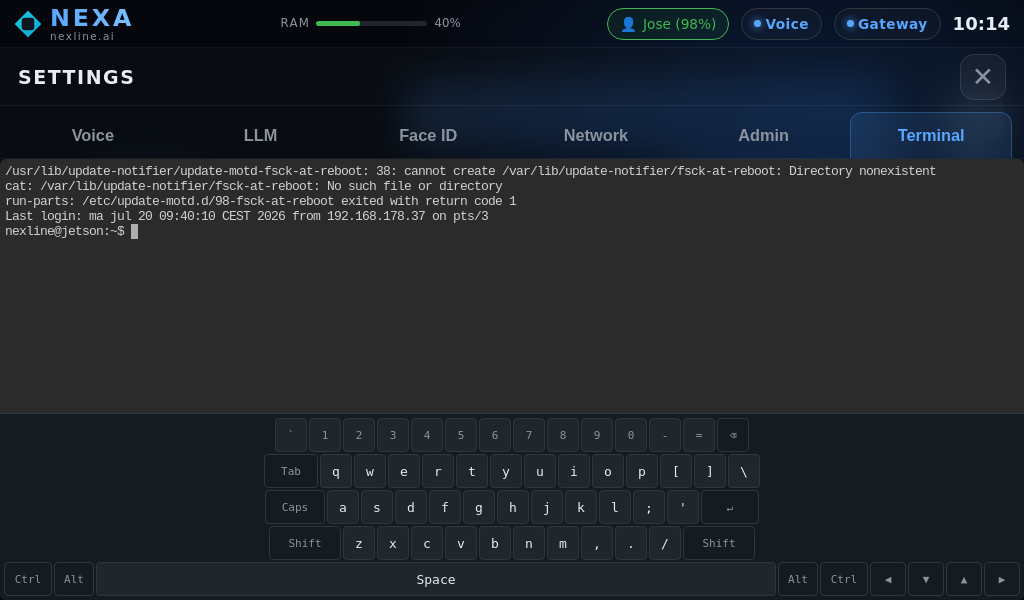
A maintenance terminal with an on-screen keyboard for technical setup and diagnostics.

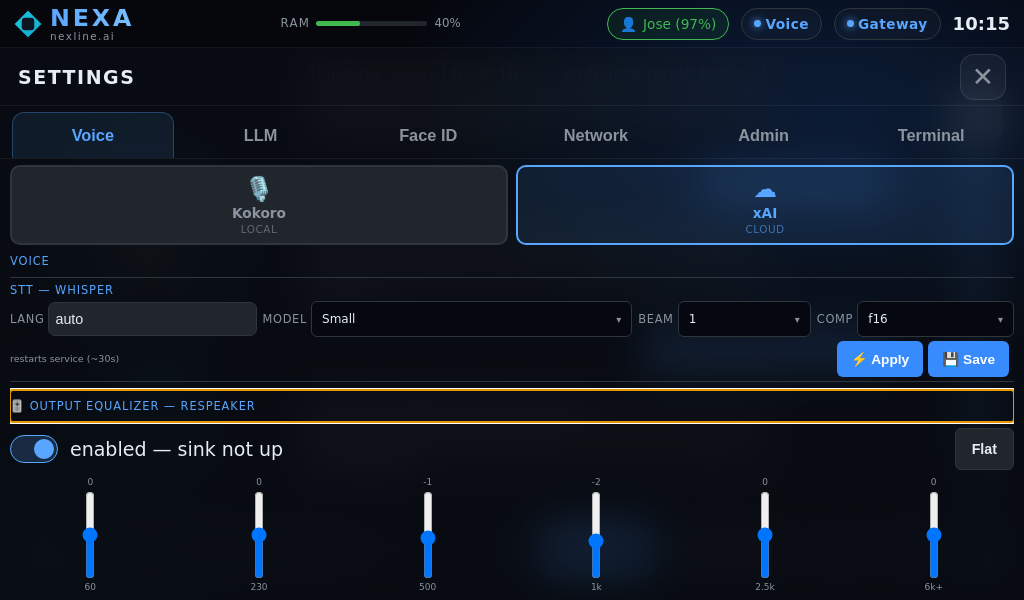
Choose a speech engine, adjust recognition settings and tune the output equalizer.

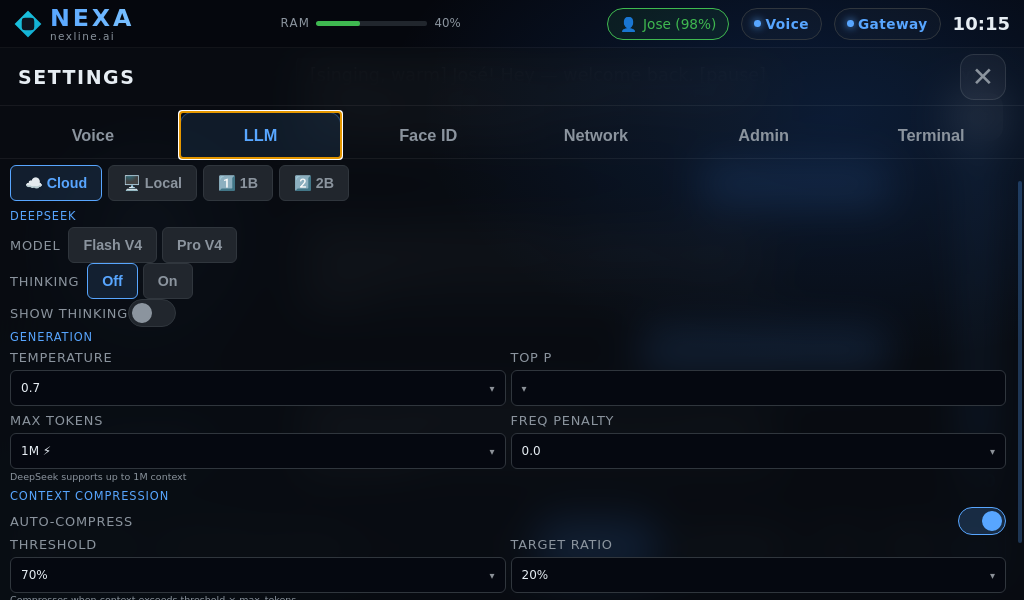
Choose between local and cloud modes and adjust the conversation settings. Cloud mode requires an internet connection.

A camera preview, face-training controls and recognition settings help configure familiar faces.

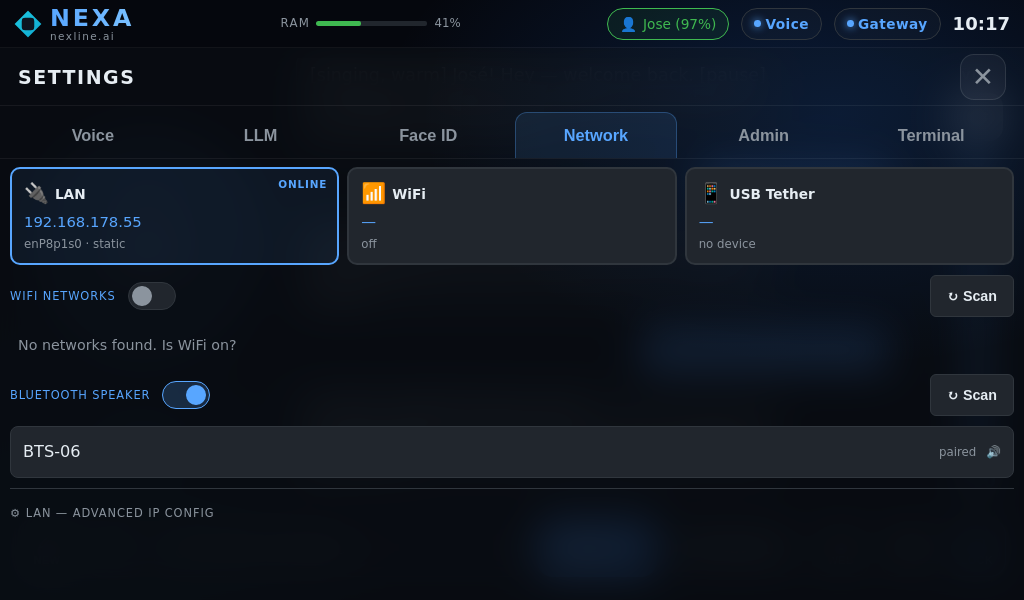
Review wired and wireless connections and pair a Bluetooth speaker from the network panel.

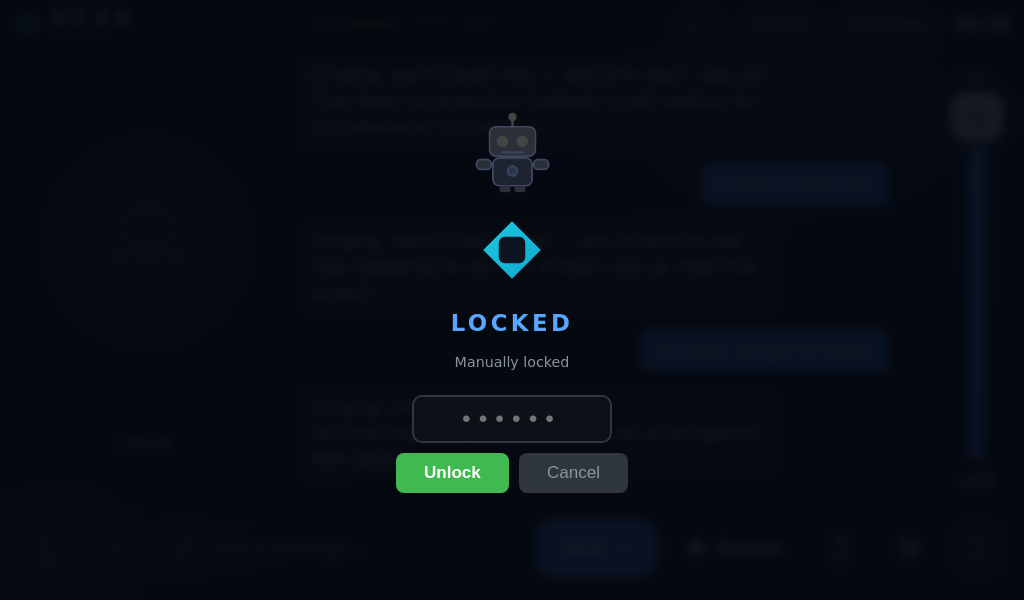
The locked screen presents a PIN entry before returning to the interface.

A YouTube video sits directly in the conversation, with playback controls below the picture. Online media needs internet.

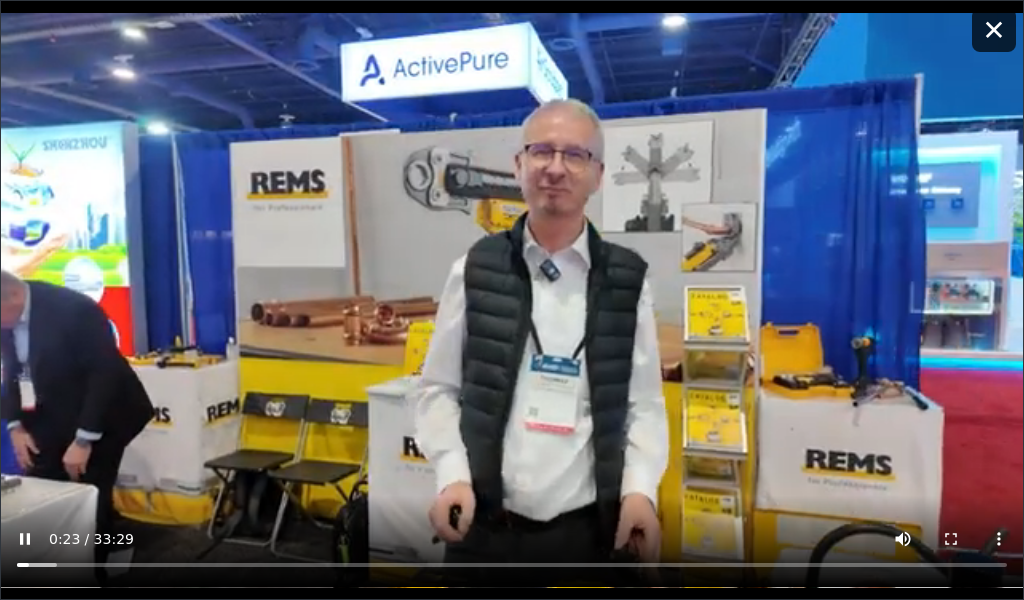
Expand a video to fill the display, with playback controls and a close button to return.

A Mixcloud player brings cover art and audio controls into the chat. Streaming requires internet.

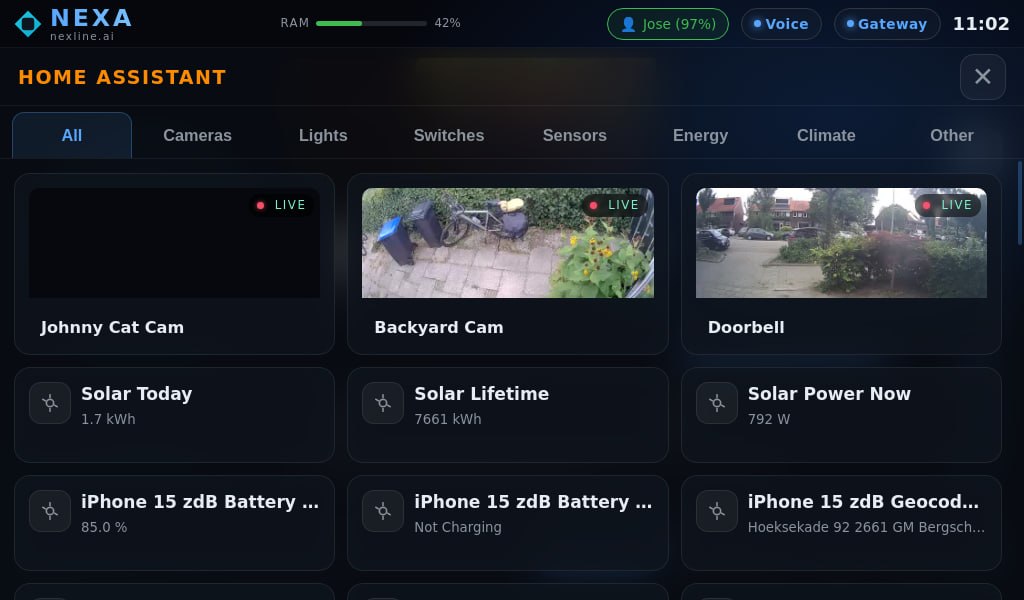
Camera previews and sensor cards share the connected-home panel, with tabs for each device category.

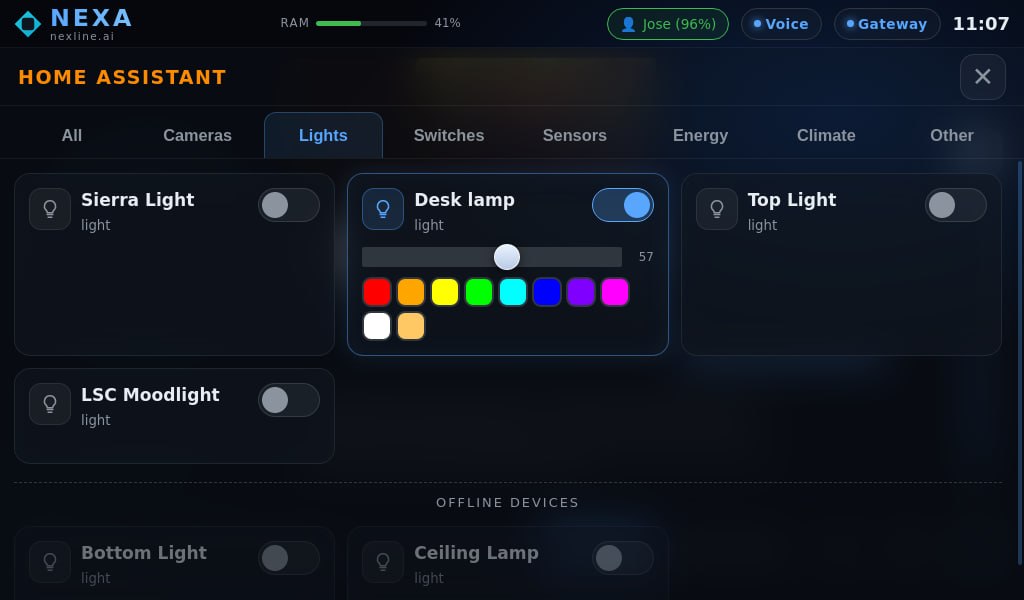
Switch lights individually and open a colour palette for a supported lamp.

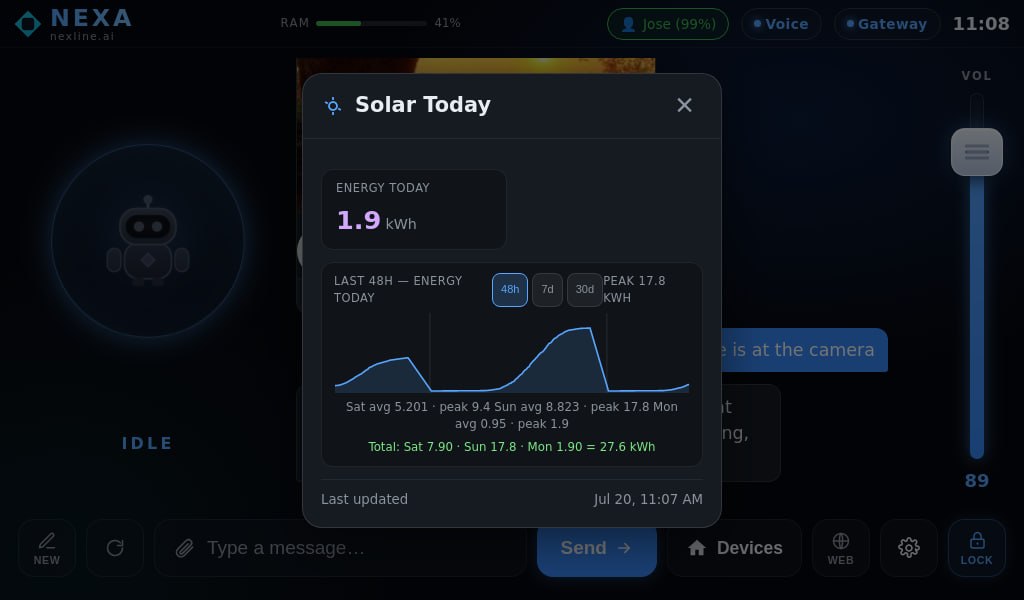
A solar sensor opens into a detail card with a production history chart and time-range controls.
A 6-core ARM CPU with a GPU pushing 40 trillion operations per second. Speech recognition, face detection, a local LLM for offline conversations and text-to-speech — all running at once, all on the box.
A 4-microphone array with beamforming and hardware echo cancellation — it picks up your voice even while it's speaking, in noisy kitchens and open-plan living rooms alike.
Take it in the car — it pairs over Bluetooth and controls your home remotely. Take it camping — the local LLM answers with zero internet. One power cable. That's the whole setup.
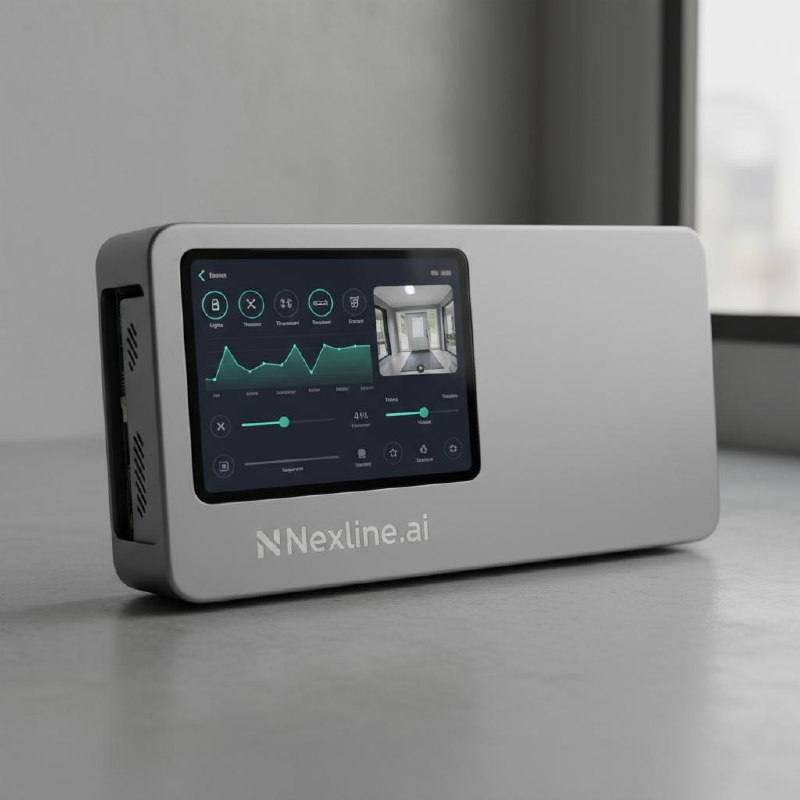
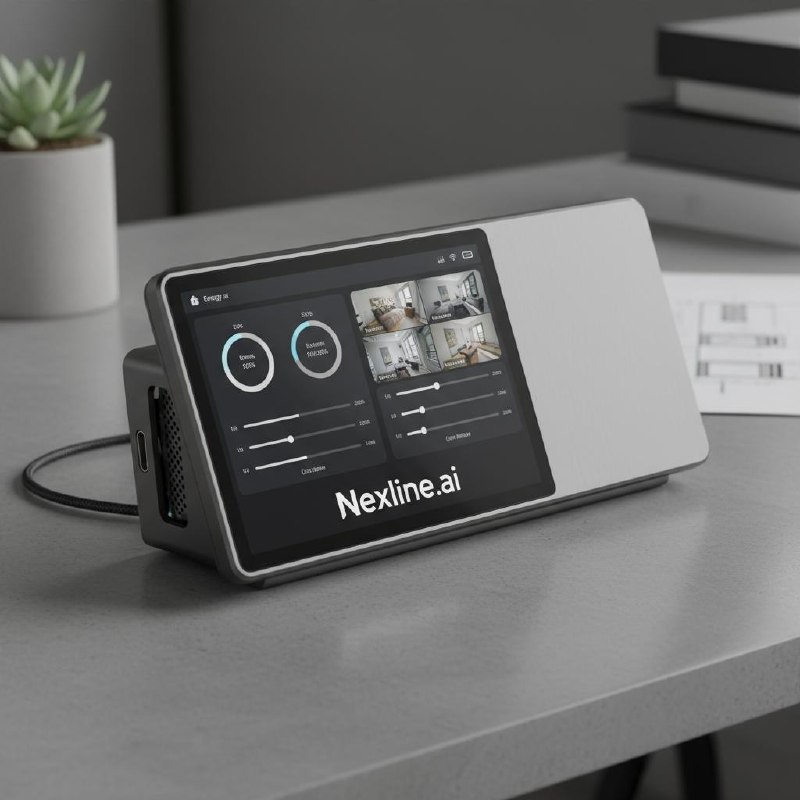
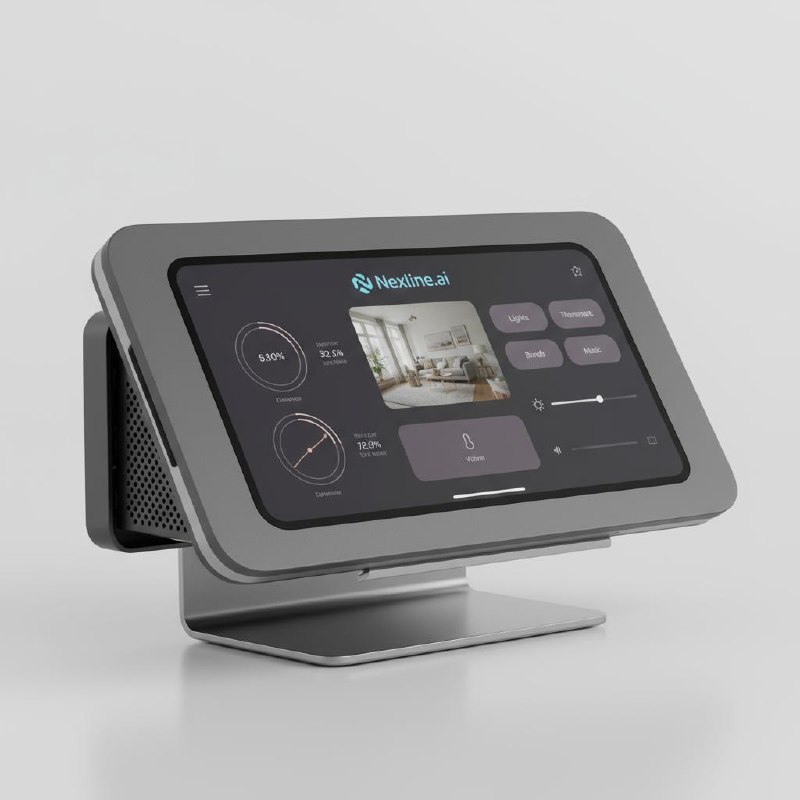
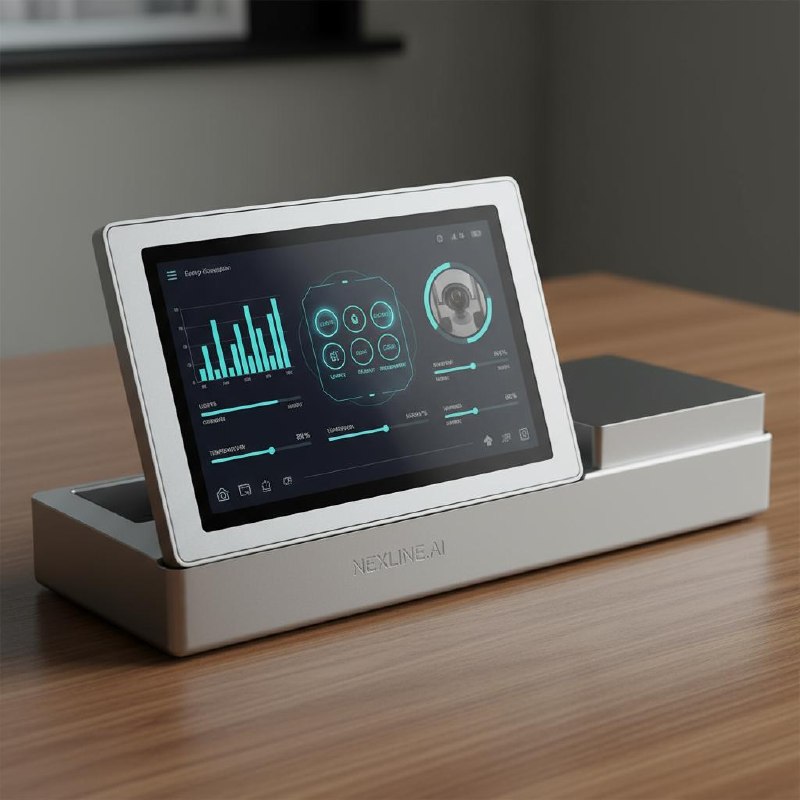
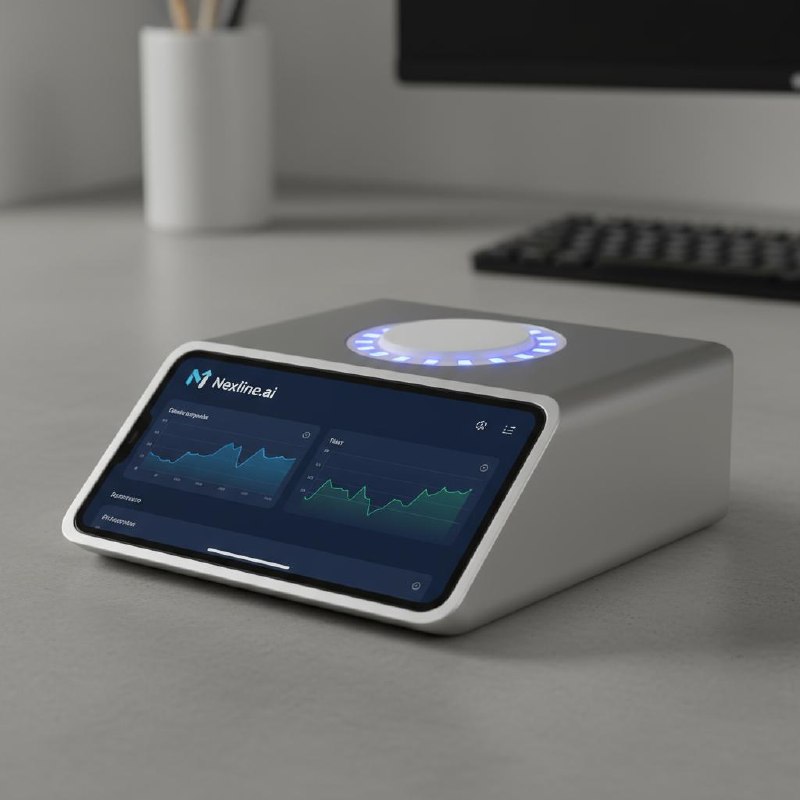
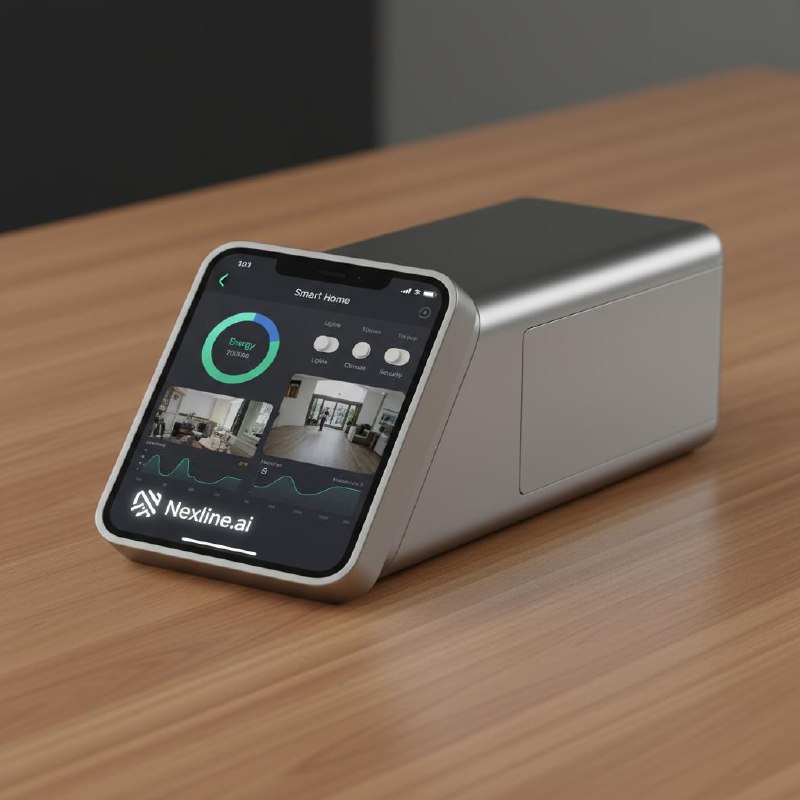
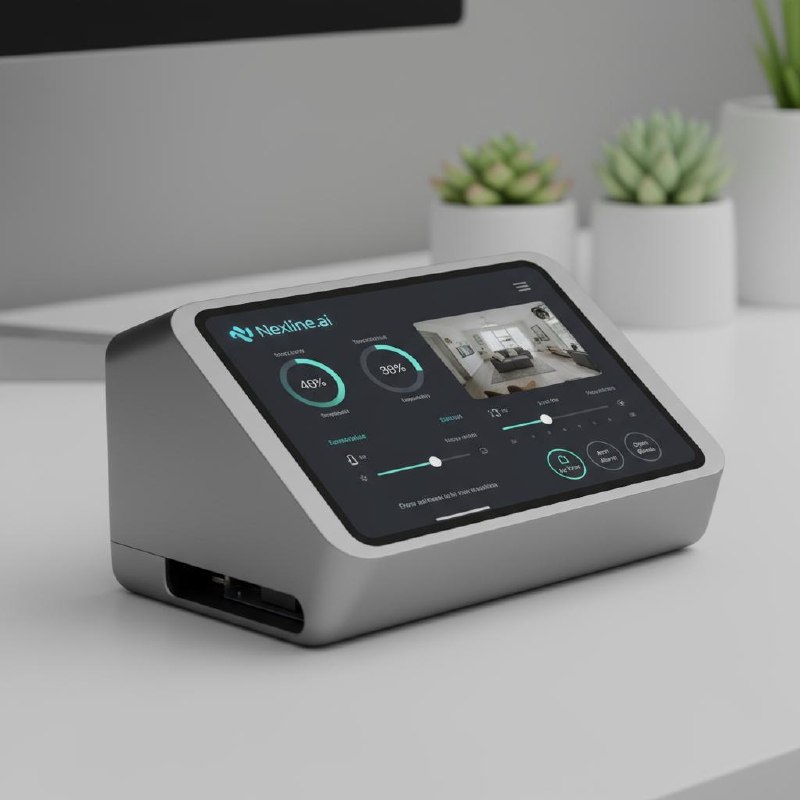
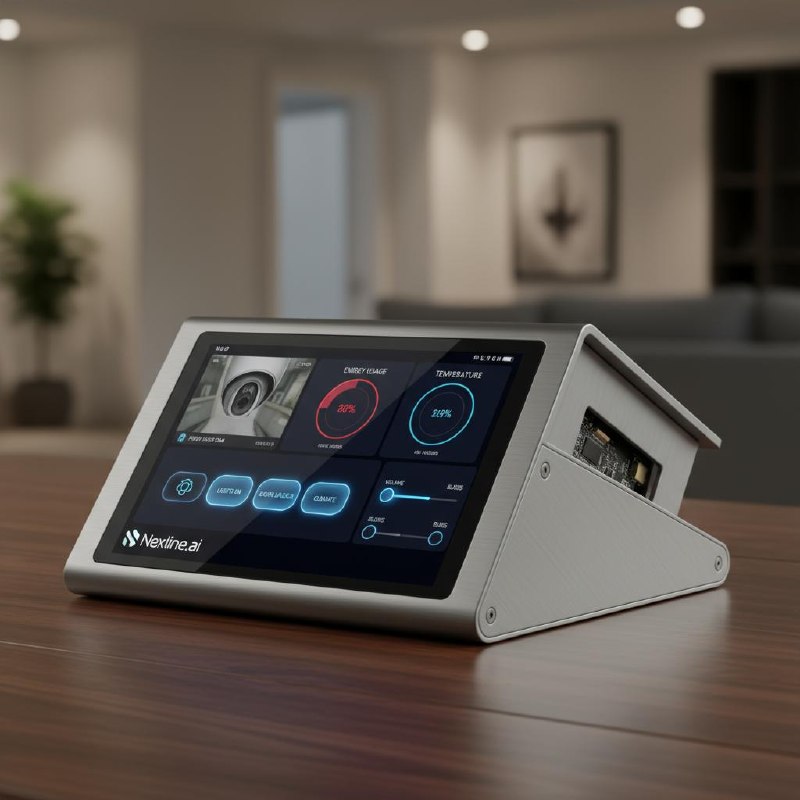
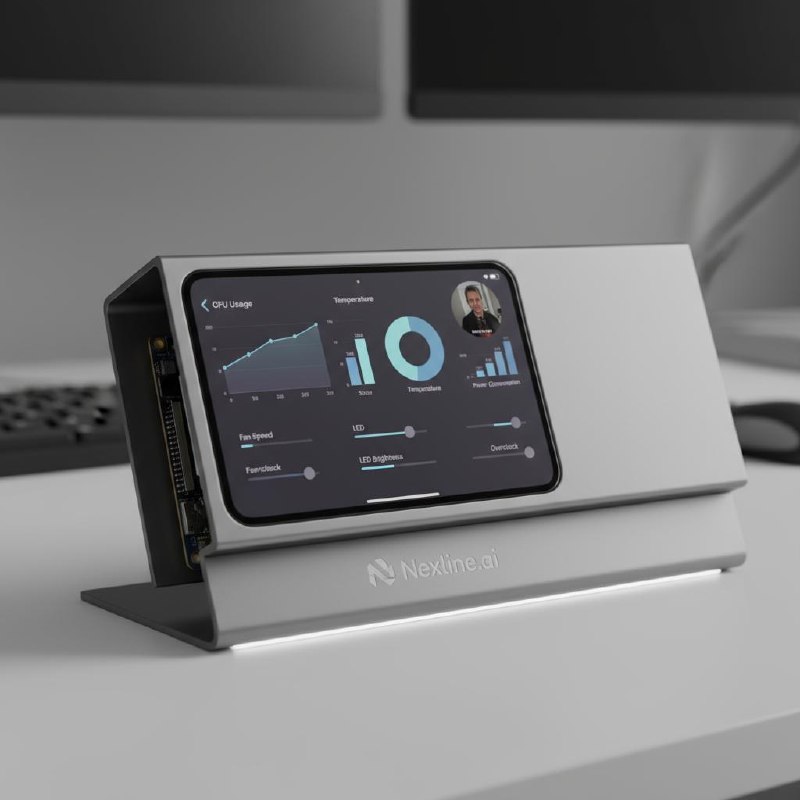
The prototype runs on off-the-shelf hardware. These explorations show the direction — a single sculpted unit with integrated screen, mic array, LED ring and camera.

A landscape display set into a wide enclosure explores a compact home dashboard.

An inclined screen combines status indicators and camera previews in a low-profile enclosure.

A screen on a pedestal explores a more upright viewing angle for everyday home controls.

A raised display on a broad base explores space for charts, status information and a camera view.

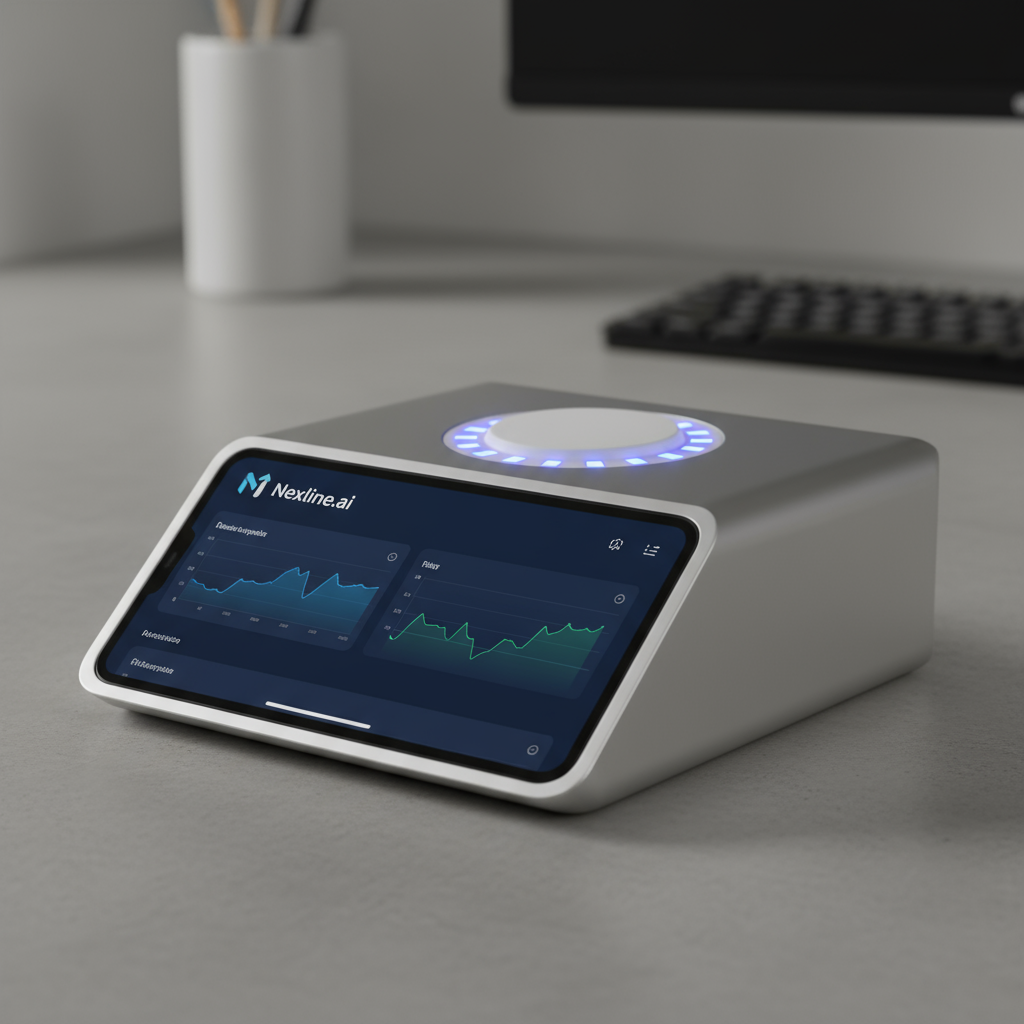
A low wedge pairs a sloping display with an illuminated circular element on top.

A portrait screen rests against a compact enclosure, exploring a smaller desktop footprint.

A landscape touchscreen sits in a shallow wedge with a visible side connection panel.

A triangular side profile explores an angled screen and accessible side ports. This is a rendering, not a finished device.

A screen and partly open enclosure sit on a shared base, exploring how the components could fit together.

An angled touchscreen and illuminated top ring sketch the intended all-in-one form. The production enclosure is still in development.
Wedge form factor — integrated touchscreen + LED ring desk companion.
NexA runs 24/7 in a real home right now. The self-learning engine works. The voice pipeline works. The phone sync works. Next: industrial design, manufacturing, and the people to help us ship it.
Get in touch →